How Many Tags Should I Use on YouTube?

If you've ever uploaded a YouTube video and stared at the tags field wondering how many to add, you're not alone. A lot of you have asked about this exact thing, and it makes sense because the answer isn't as simple as most people want it to be. Tags feel like a magic trick. Fill them in right, and maybe your video blows up. Leave them blank, and maybe it disappears forever. But that's not really how it works.
Here's the honest truth: YouTube tags matter, but they don't matter as much as they used to. The platform has gotten much better at understanding what your video is about through your title, description, and the actual content itself. Tags are more like a helpful hint than a secret weapon. Still, using them the right way can give you a small but real edge over other creators in your space.
So let's break down how many tags you should actually use, what kinds of tags work best, and what mistakes to avoid. This isn't about stuffing your tag box with every word you can think of. It's about being smart with a small but useful tool.
The real answer to how many tags you need
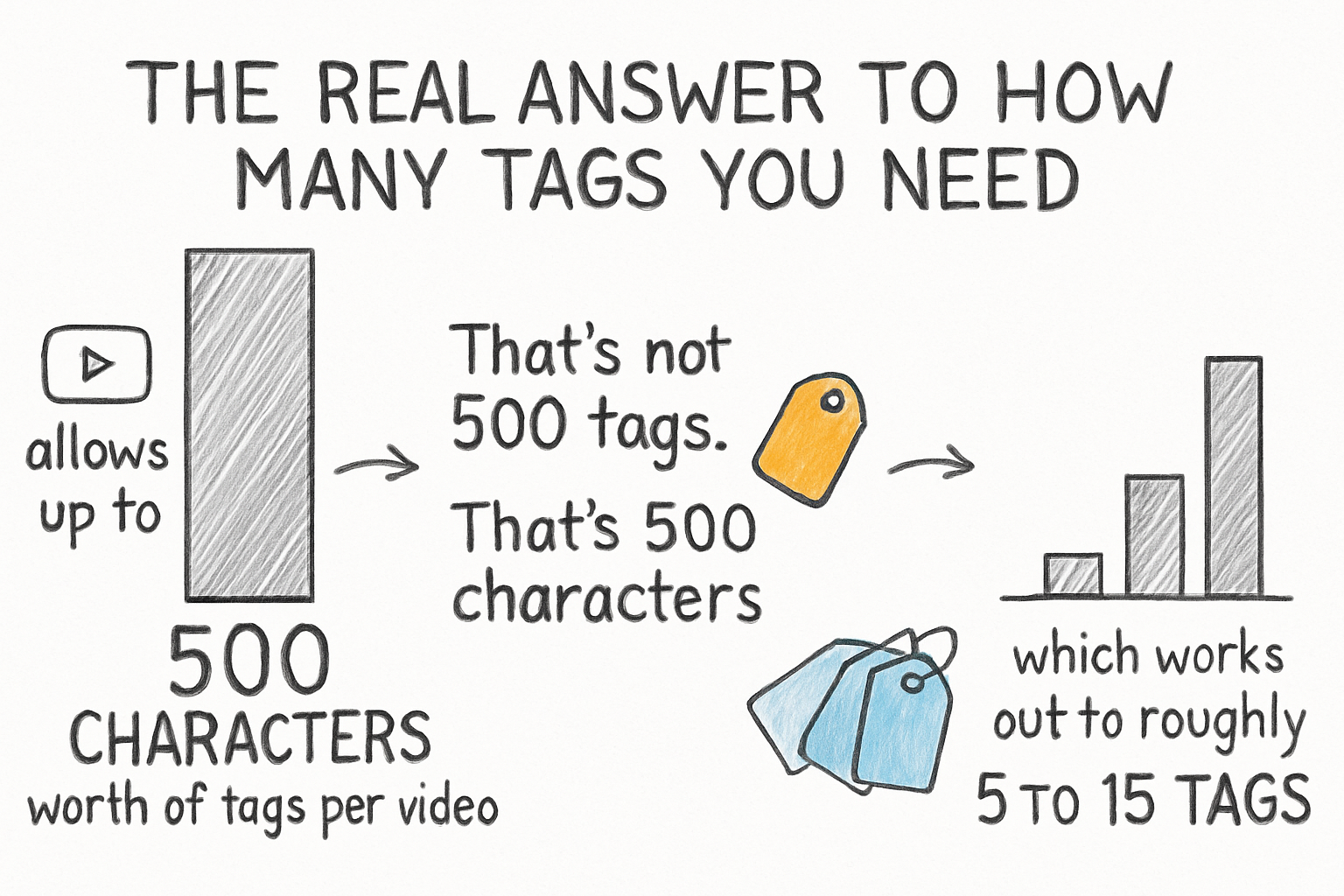
YouTube allows up to 500 characters worth of tags per video. That's not 500 tags. That's 500 characters, which works out to roughly 5 to 15 tags depending on how long each one is. Most creators who have studied this closely land somewhere between 5 and 10 tags as a sweet spot. You don't need to max out the character limit every single time.
I personally think the obsession with filling every tag slot comes from an old-school SEO mindset that doesn't really apply anymore. YouTube's algorithm has gotten smarter. It reads your title. It reads your description. It even analyzes your closed captions. Tags are just one small signal among many, and cramming in 40 of them isn't going to fool anyone, least of all the algorithm.
The best approach is to think of tags as a clarification tool. If your video title is a little vague, your tags can help YouTube understand exactly what topic you're covering. If your title is already super clear, you need fewer tags to back it up. Quality matters more than quantity here, full stop.
When I first started learning about YouTube SEO, I remember spending way too long stuffing tags into every video, convinced it was the key to ranking higher. It wasn't. My titles and descriptions did far more work. I wish someone had told me that earlier, and now I'm telling you.
What kinds of tags actually help your video
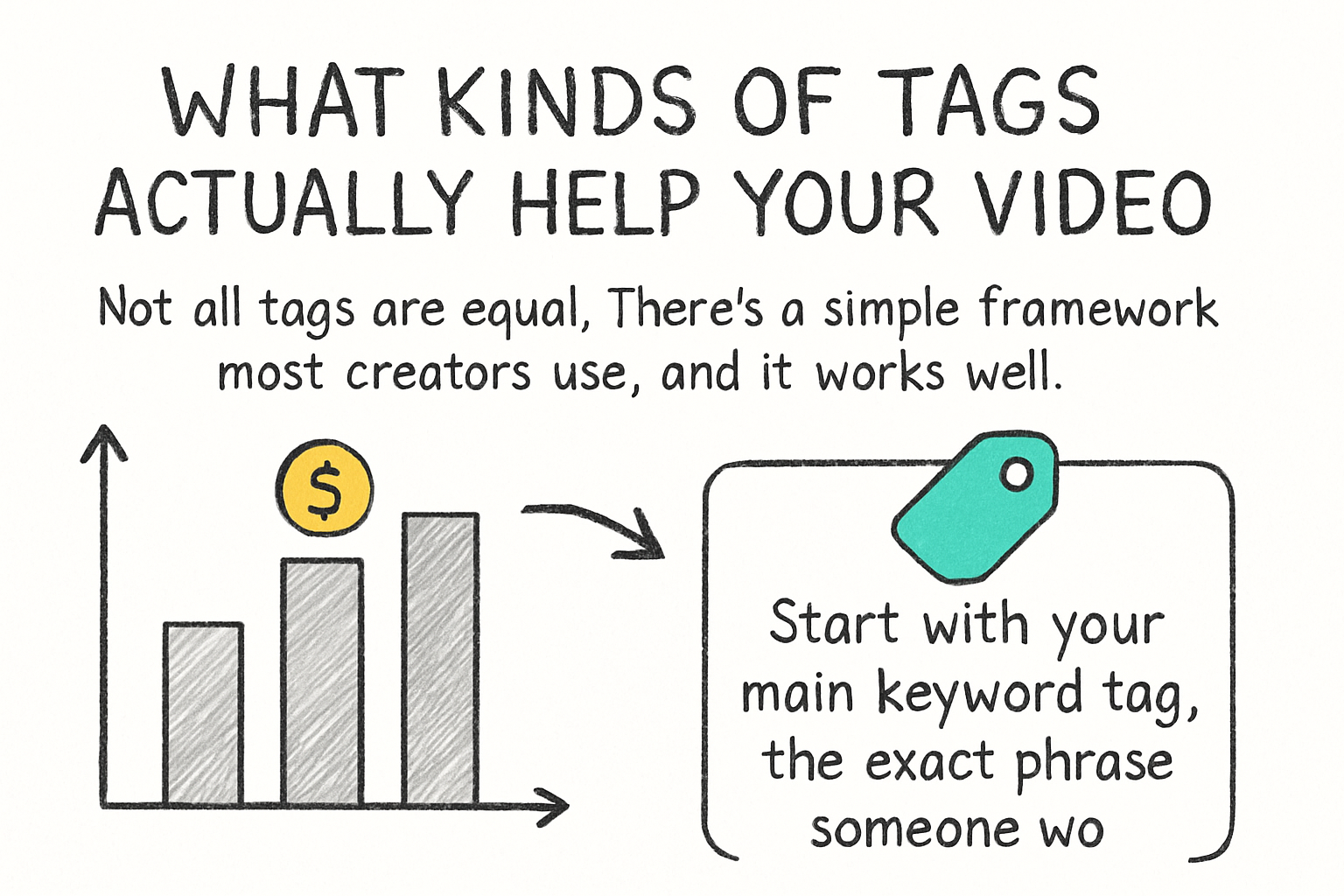
Not all tags are equal. There's a simple framework most creators use, and it works well. Start with your main keyword tag, the exact phrase someone would type into YouTube to find your video. Then add a few variations of that phrase. After that, toss in two or three broader topic tags that describe the general subject area your video falls into.
For example, say your video is about how to make sourdough bread at home. Your main tag might be "sourdough bread recipe." Variations could include "homemade sourdough" or "how to make sourdough." Broader tags might be "bread baking" or "beginner baking." That's already around five solid tags without padding. That's all you really need.
Avoid using tags that have nothing to do with your video just because they're trending. YouTube has said directly that misleading tags can actually hurt your video's performance. The algorithm isn't going to reward you for tagging your cooking video with a celebrity's name. It's more likely to penalize you for it by showing your video to the wrong audience, which tanks your watch time.
If you want to find the right keywords to turn into tags, using a solid keyword research tool can save you a lot of guesswork. Our guide on the best free YouTube keyword research tools walks you through several options that won't cost you a dime. Good keyword research also makes your titles and descriptions stronger, which is where your real SEO power comes from anyway.
Common tag mistakes that hurt more than they help
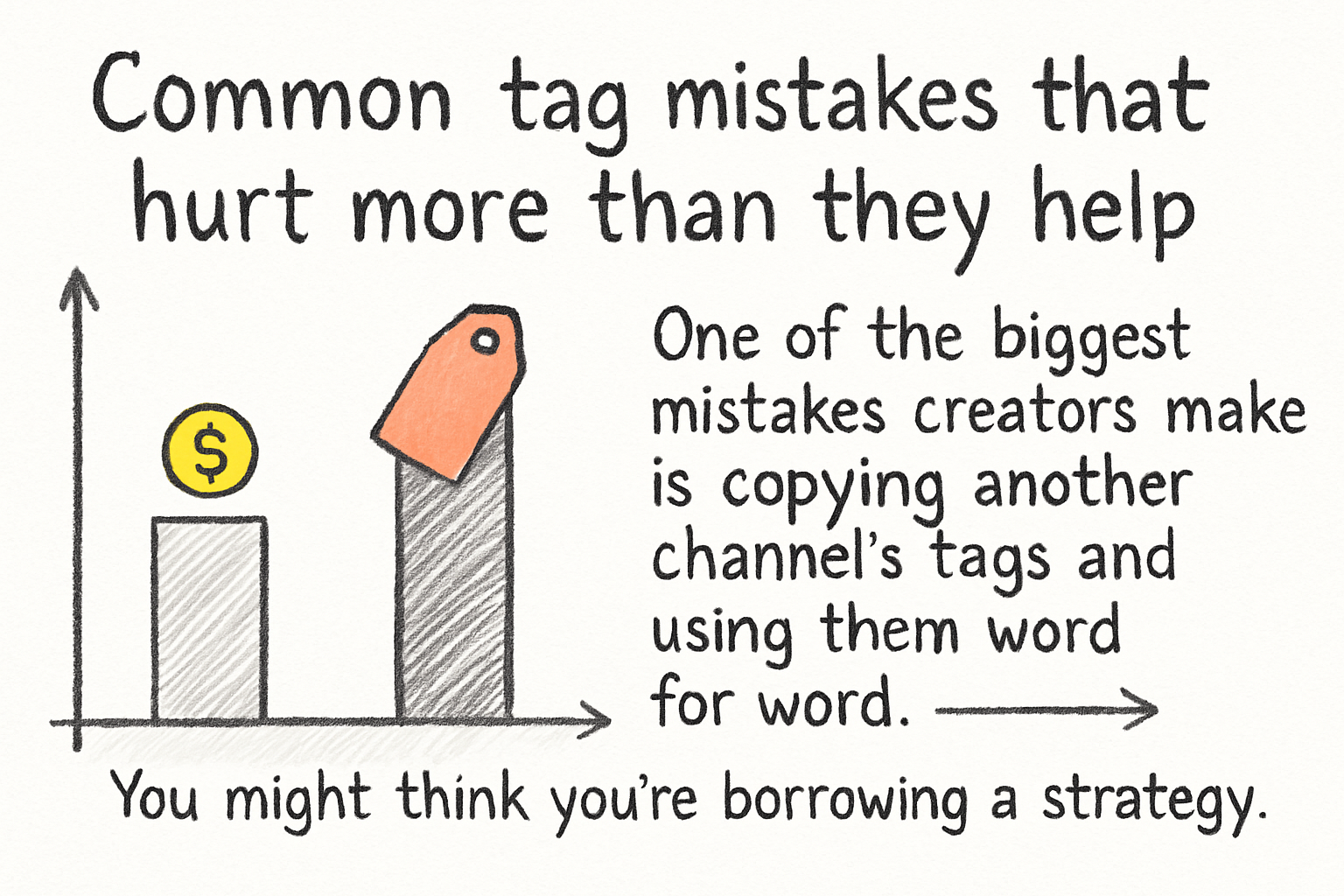
One of the biggest mistakes creators make is copying another channel's tags and using them word for word. You might think you're borrowing a strategy that works, but you're just competing directly with a channel that probably has more authority than yours. Instead, look for tags where the competition is lower but the search intent still matches your video.
Another mistake is using super broad tags like "YouTube" or "video" or "funny." These tags are so general that they tell the algorithm almost nothing useful. You want your tags to narrow things down, not throw them wide open. If your tag could describe ten thousand different videos, it's probably not helping you stand out.
Some creators also repeat the same tag over and over with slight spelling changes, thinking it doubles their chances of showing up in search. It doesn't. YouTube is smart enough to recognize this as tag stuffing, and it doesn't improve your reach at all. Stick to genuinely different phrases with distinct meaning.
Remember that tags are just one piece of a much bigger puzzle. Your thumbnail, your title, and how well your video holds viewer attention are all bigger ranking factors than tags will ever be. If you're curious about what actually moves the needle on growth, our piece on YouTube channel growth strategy covers the tactics that really work. Tags can support a strong strategy, but they can't replace one.
Ready to take the next step?
Tags are a small tool, but using them with intention makes a difference. Aim for 5 to 10 focused, relevant tags. Lead with your exact keyword, add a couple of variations, and round it out with a few broader topic tags. That's really all there is to it. If you have questions about this or you've found a tagging approach that works for your channel, drop a comment below and let's talk about it. And if you want smarter help with your whole YouTube strategy, from keywords to content ideas, check out Kliptory and see what it can do for your channel.