How to Monetize Videos on YouTube: A Step-by-Step Guide

So you've been posting videos on YouTube for a while, and now you're wondering when the money starts rolling in. You're not alone. A lot of you have asked about this exact topic, and the honest answer is that monetizing your channel takes some setup, some patience, and a clear understanding of how the whole system works. It's not instant, but it's absolutely doable.
YouTube pays creators through its Partner Program, which gives you access to ads, channel memberships, Super Chats, and more. But before any of that happens, you have to meet a few requirements and get approved. Think of it like applying for a job. You need to show YouTube that your channel is real, active, and follows their rules. Once you're in, the earning potential grows alongside your audience.
This guide walks you through the whole process from start to finish. Whether you're just getting started or you've been grinding for months and feel stuck, there's something here for you. Let's get into it.
Meeting the requirements to join the YouTube Partner Program
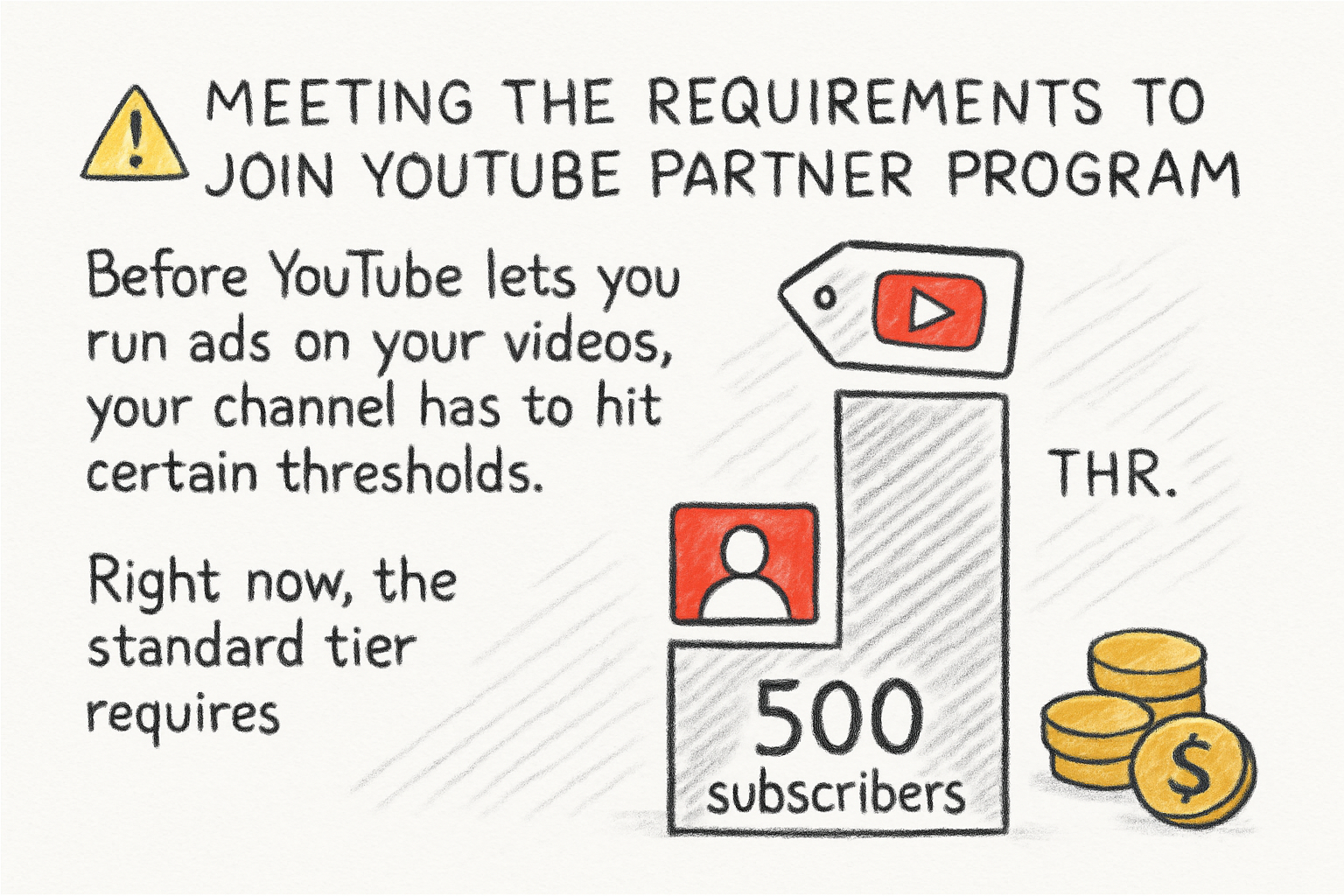
Before YouTube lets you run ads on your videos, your channel has to hit certain thresholds. Right now, the standard tier requires 500 subscribers, three public uploads in the last 90 days, and either 3,000 watch hours in the past year or 3 million Shorts views in the last 90 days. That gets you into the lower tier with access to features like channel memberships and Super Thanks. To unlock full ad revenue, you need 1,000 subscribers and 4,000 watch hours or 10 million Shorts views.
Those numbers might sound like a lot at first, but they go faster than you'd think when you're consistent. I personally think the watch hours requirement is actually more helpful than it seems because it pushes you to make videos people want to finish, not just click on. That shift in mindset alone can change how you approach content.
If you're still building toward those numbers, focus on searchable content that people are actively looking for. Our piece on how to do YouTube keyword research like a pro breaks down exactly how to find topics your target audience is already searching for. That's one of the fastest ways to grow watch time without relying on luck.
Also make sure your channel is clean before you apply. That means no community guideline strikes, a linked AdSense account, and two-step verification turned on for your Google account. YouTube checks all of this before they approve you, so getting your house in order early saves you from delays later.
Setting up your monetization after getting approved
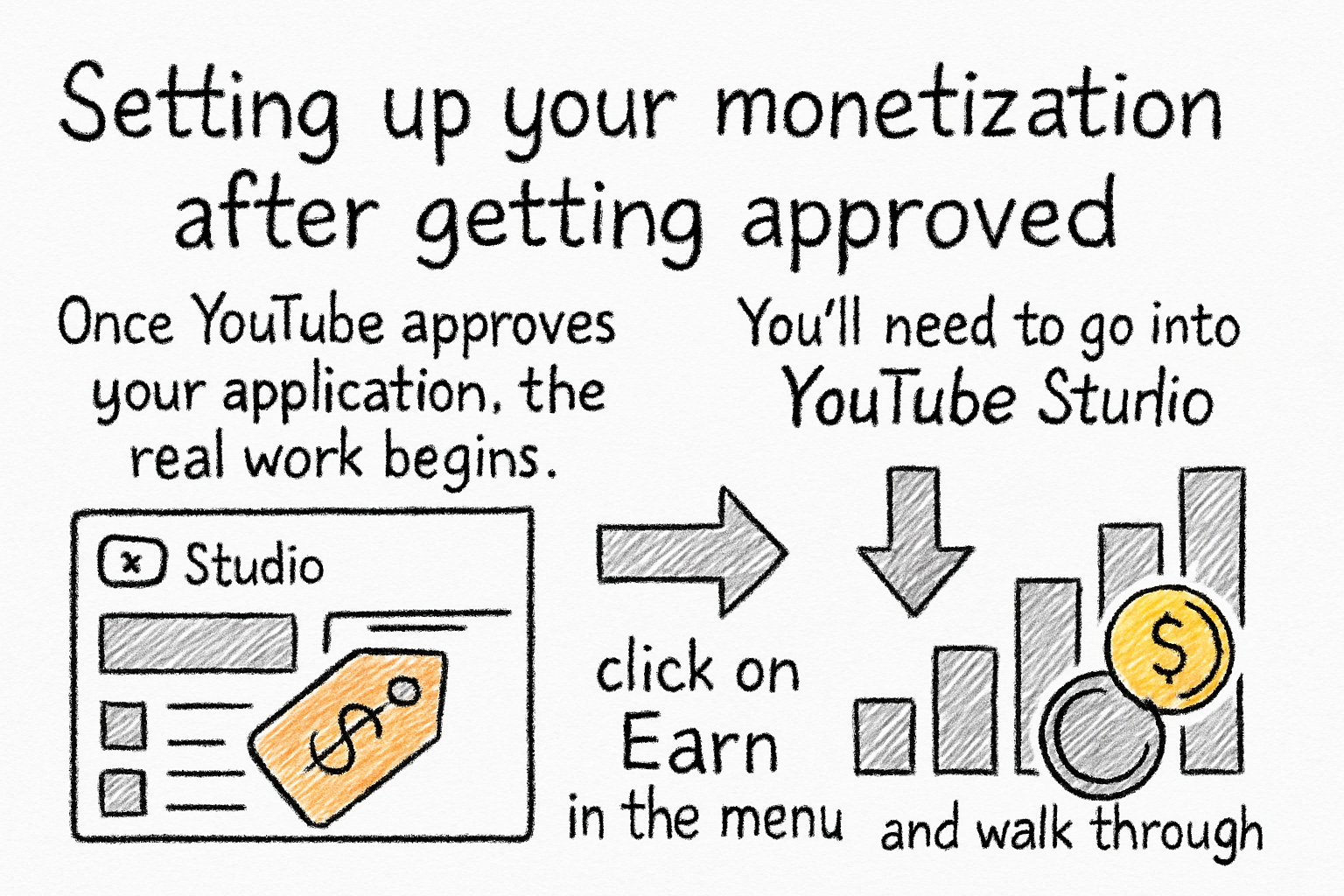
Once YouTube approves your application, the real work begins. You'll need to go into YouTube Studio, click on Earn in the left menu, and walk through the monetization setup steps. This includes agreeing to the YouTube Partner Program terms, connecting or creating a Google AdSense account, and choosing your ad preferences for each video.
You get to pick what kinds of ads show up on your content. Options include skippable ads, non-skippable ads, bumper ads, overlay ads, and sponsored cards. Most creators leave all of them on because more ad formats generally means more revenue. That said, if your audience is mostly mobile viewers, overlay ads won't show at all since they only appear on desktop. Keep your audience in mind when making these choices.
It helps to understand how earnings actually work before you get too deep into it. YouTube pays you based on something called RPM, which stands for revenue per mille, or revenue per 1,000 views. If you're new to this, our simple breakdown of RPM meaning on YouTube is a great place to start. Knowing what drives RPM up or down gives you a much clearer picture of why some videos earn more than others.
Don't forget to set up your payment info inside AdSense. You won't receive any money until you verify your address and hit the $100 payment threshold. YouTube sends you a PIN by mail once you've earned a small amount, and you have to enter that before payments start going through. It sounds like a small detail, but a lot of new creators forget this step and then wonder why they haven't been paid.
Growing your revenue beyond basic ads
Ad revenue is a starting point, not a ceiling. Once your channel is monetized, you have access to several other income streams through YouTube itself. Channel memberships let subscribers pay a monthly fee for perks you create, like exclusive videos, badges, or early access. Super Chats and Super Thanks let viewers tip you during livestreams or on regular videos. Merch shelves let you sell products directly under your videos if you're connected to an eligible merch partner.
Beyond YouTube's built-in tools, many creators also work with sponsors, sell their own digital products, or drive traffic to a Patreon or newsletter. Diversifying your income means you're not completely at the mercy of YouTube's ad rates, which can swing based on the time of year and your niche. The fourth quarter of the year, for example, tends to bring higher ad rates because brands spend more on advertising heading into the holidays.
If you want to get a rough sense of what your channel could earn as it grows, try using a YouTube RPM calculator to estimate your earnings. It won't give you exact numbers, but it helps you set realistic goals and understand what view counts you'd need to hit a certain income level. I used one of these when I was first trying to figure out if YouTube could ever replace freelance work, and it actually helped me think about it more clearly.
The channels that earn the most consistently aren't just chasing views. They build loyal audiences who come back regularly, engage with content, and actually care about what the creator is doing. That kind of trust is worth more long-term than a single viral video. If you want to build that kind of momentum, our YouTube channel growth strategy guide covers what's actually working for creators right now, not just the generic advice you've probably already heard.
Ready to take the next step?
Monetizing your YouTube channel is one of those things that feels complicated until you break it down step by step. You meet the requirements, get approved, set everything up properly, and then focus on growing multiple income streams over time. It's a process, not a shortcut. If you have questions about anything we covered here, drop them in the comments below. And if you're looking for tools to help you grow your channel faster, check out Kliptory and see what it can do for your content strategy.