RPM Meaning on YouTube: A Simple Breakdown

If you've ever poked around your YouTube Studio dashboard, you've probably seen that little number next to "RPM" and wondered what it actually means. A lot of you have asked about this, so let's break it down in plain English. No fancy jargon, no confusing math — just a clear picture of what RPM is and why it shows up in your analytics.
RPM stands for Revenue Per Mille. "Mille" is Latin for thousand, so RPM tells you how much money you earned for every 1,000 views on your channel. It's one of the most important numbers a creator can watch because it reflects your actual take-home earnings, not just what advertisers are paying. That difference matters more than most people realize.
Think of it this way. You could have a video racking up millions of views and still walk away with very little money if your RPM is low. On the flip side, a small channel in the right niche can earn solid income with a fraction of the views. Understanding RPM gives you a real look at how your content is performing financially, not just in clicks and watches.
How RPM is calculated
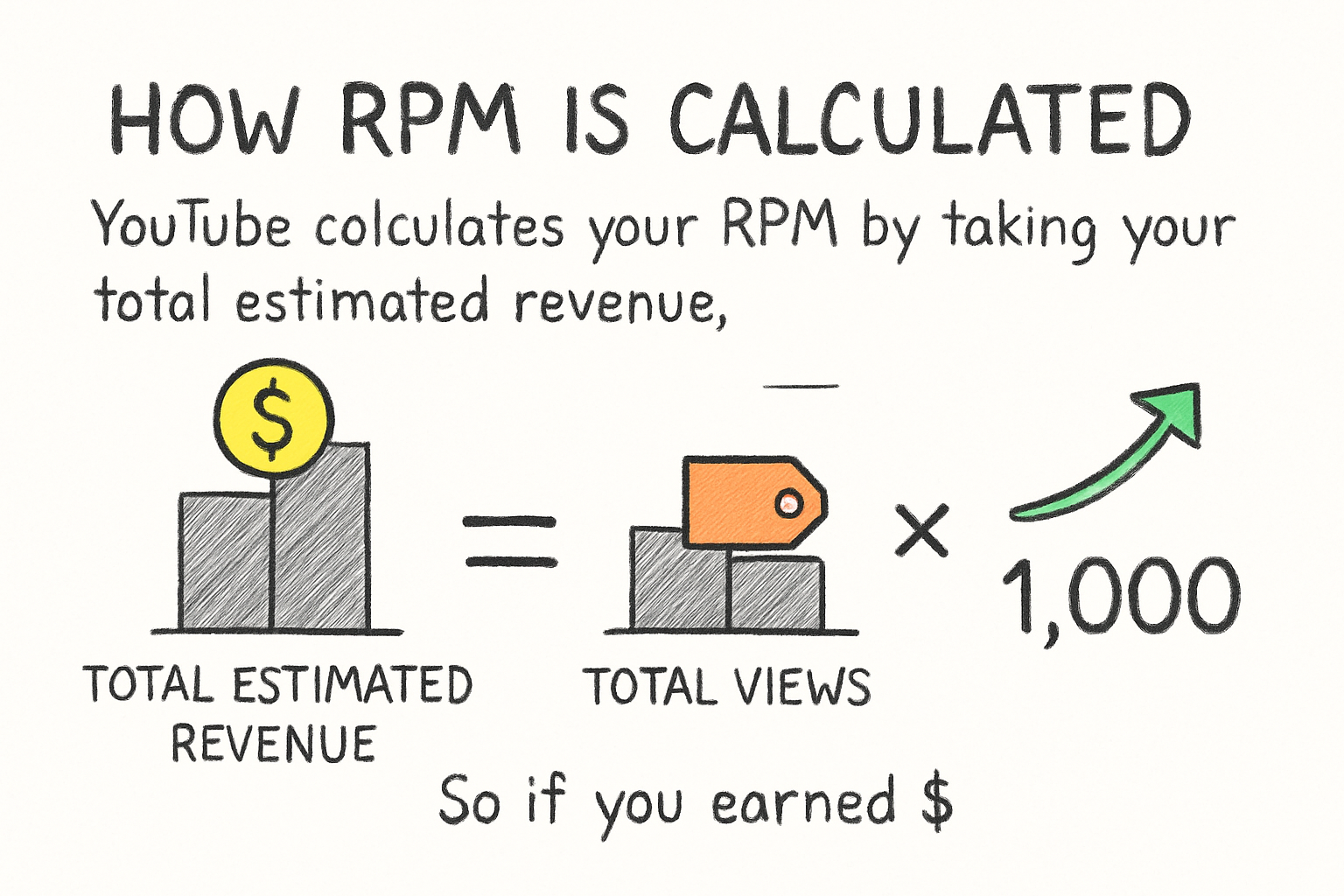
YouTube calculates your RPM by taking your total estimated revenue, dividing it by your total views, and then multiplying by 1,000. So if you earned $5 from 2,000 views, your RPM would be $2.50. Simple enough, right?
What makes RPM different from CPM is that RPM already has YouTube's cut taken out. CPM is what advertisers pay before YouTube takes its share (which is roughly 45%). RPM is what lands in your pocket after all of that. If you want a deeper look at how those two numbers compare, our post on CPM vs RPM lays it out side by side.
RPM also accounts for all of your revenue sources, not just ads. That means it includes money from channel memberships, Super Chats, YouTube Premium, and any other monetization features you have turned on. This makes it a fuller picture of what your channel is actually earning per view.
I personally think RPM is the better number to focus on because it tells the real story. CPM can look impressive, but RPM is the number that affects your actual bank account. When I first started tracking my own analytics, I kept chasing CPM and ignoring RPM, and it took a while to figure out why my earnings felt lower than expected.
What affects your RPM on YouTube
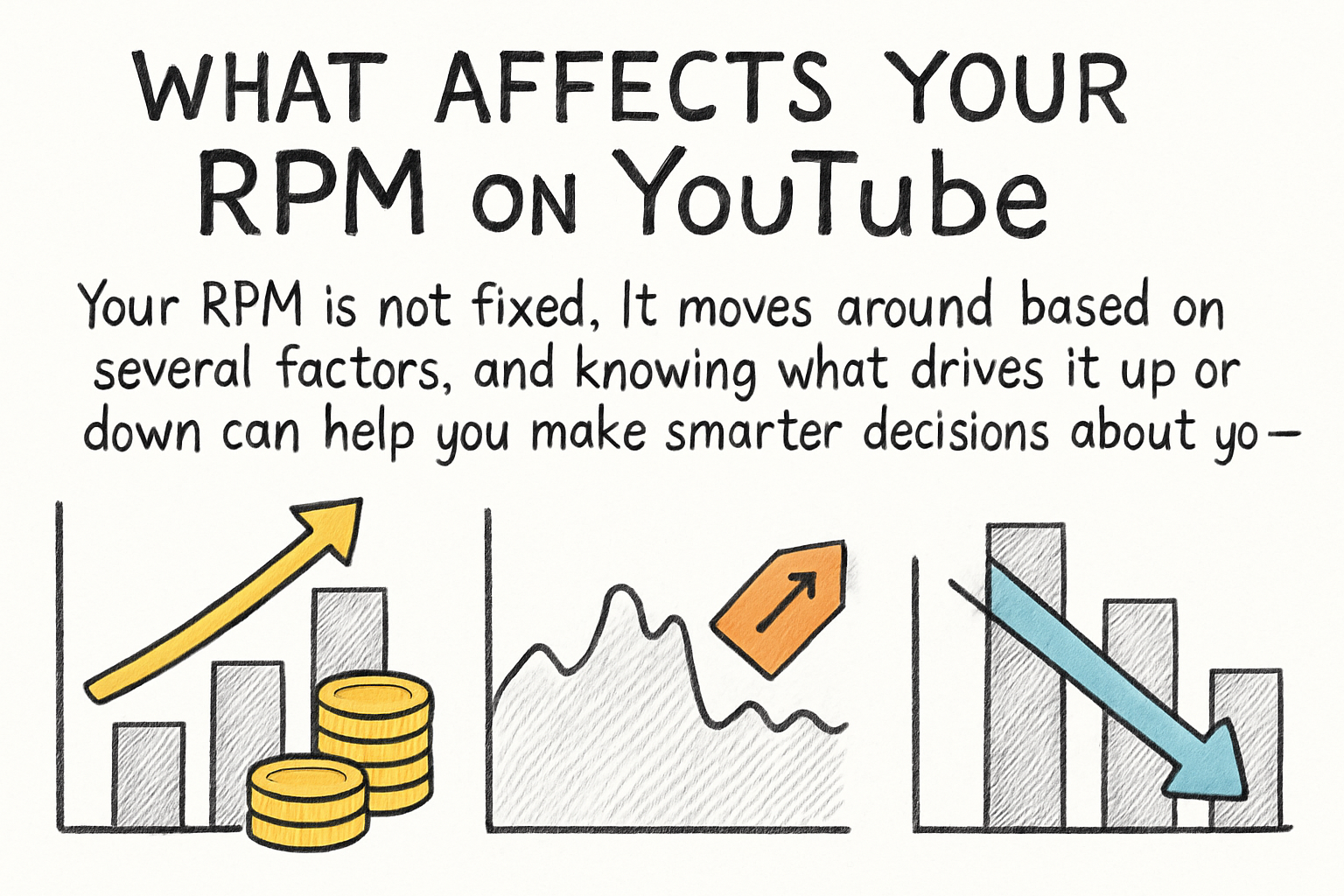
Your RPM is not fixed. It moves around based on several factors, and knowing what drives it up or down can help you make smarter decisions about your content.
Niche is one of the biggest factors. Channels in finance, business, or tech tend to have much higher RPMs than entertainment or gaming channels. That's because advertisers in those industries pay more to reach that audience. A personal finance video might earn $10 to $20 per 1,000 views while a gaming video might earn $2 to $4. The content itself changes who shows up to advertise on it.
Audience location plays a big role too. Views from the United States, Canada, Australia, and the United Kingdom typically bring in more ad revenue than views from other countries. This isn't something to stress about too much, but it does explain why two creators with similar view counts can see very different earnings.
Time of year matters as well. RPM usually spikes during October, November, and December because advertisers pour more money into campaigns during the holiday season. Come January, RPM tends to drop sharply as ad budgets reset. If you've ever looked at your earnings and felt confused by a sudden dip at the start of a new year, that's probably why. Understanding how to monetize your videos on YouTube well means understanding these seasonal patterns and planning around them.
How to improve your RPM over time
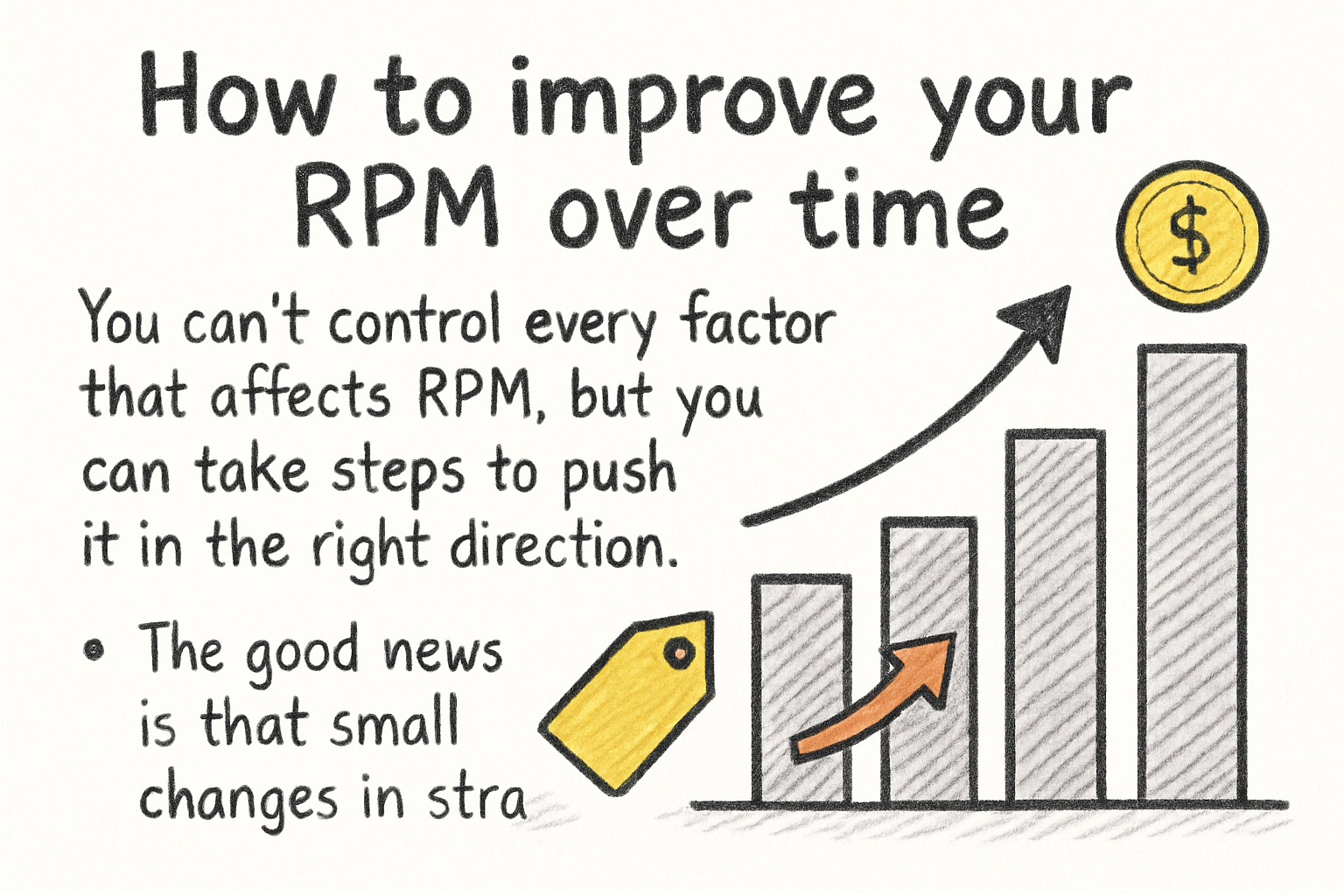
You can't control every factor that affects RPM, but you can take steps to push it in the right direction. The good news is that small changes in strategy can make a noticeable difference.
One of the easiest ways to boost RPM is to focus on content that attracts higher-paying advertisers. If your channel is broad, consider narrowing your topics toward areas like personal finance, real estate, software tools, or health and wellness. These niches attract advertisers with bigger budgets. That doesn't mean you have to completely reinvent your channel, but even adding a few videos in a higher-value topic area can lift your overall RPM.
Keeping viewers watching longer also helps. Watch time affects how many ads get shown in your videos. A viewer who watches 12 minutes of a 15-minute video will likely see more ads than someone who clicks away at the 2-minute mark. Working on your storytelling, pacing, and hooks at the start of your videos can keep people around longer. If you want help coming up with video ideas that hold attention, the YouTube channel growth strategy guide covers that in detail.
Diversifying your revenue streams will also raise RPM because the metric includes all income sources, not just ad money. Turning on channel memberships, promoting merch, or even landing a brand deal can bring in extra dollars that show up in your RPM number. Think of RPM as a score for how efficiently your views are turning into money — and your job is to find more ways to make each view count.
Ready to take the next step?
RPM is one of those numbers that starts to feel like a guidepost once you really understand it. It tells you how well your content is working for you financially, and tracking it over time helps you spot what's working and what needs a change. If you've got questions about your own RPM, drop them in the comments below — I'd love to hear what you're seeing on your channel. And if you're looking for tools to help grow your channel and make the most of every view, check out Kliptory to see how it can support your content strategy.