YouTube RPM Calculator: How to Estimate Your Earnings

If you're trying to figure out how much money your YouTube channel could make, you've probably gone searching for some kind of calculator or formula. A lot of you have asked about this exact thing, and honestly, it's one of the most common questions new creators have. The good news is that estimating your earnings isn't as complicated as it sounds once you understand a few key numbers.
YouTube RPM, or Revenue Per Mille, is the main metric you want to pay attention to. It tells you how much money you earn for every 1,000 views on your channel, after YouTube takes its cut. If you're not totally clear on what RPM means yet, check out this simple breakdown of RPM on YouTube before diving in here. It'll make everything in this post click a lot faster.
The short version of how to estimate your earnings is this: take your total views, divide by 1,000, then multiply by your RPM. That's the core formula. But getting to a realistic number takes a little more work, and that's exactly what this post is going to walk you through.
How the RPM calculator formula actually works
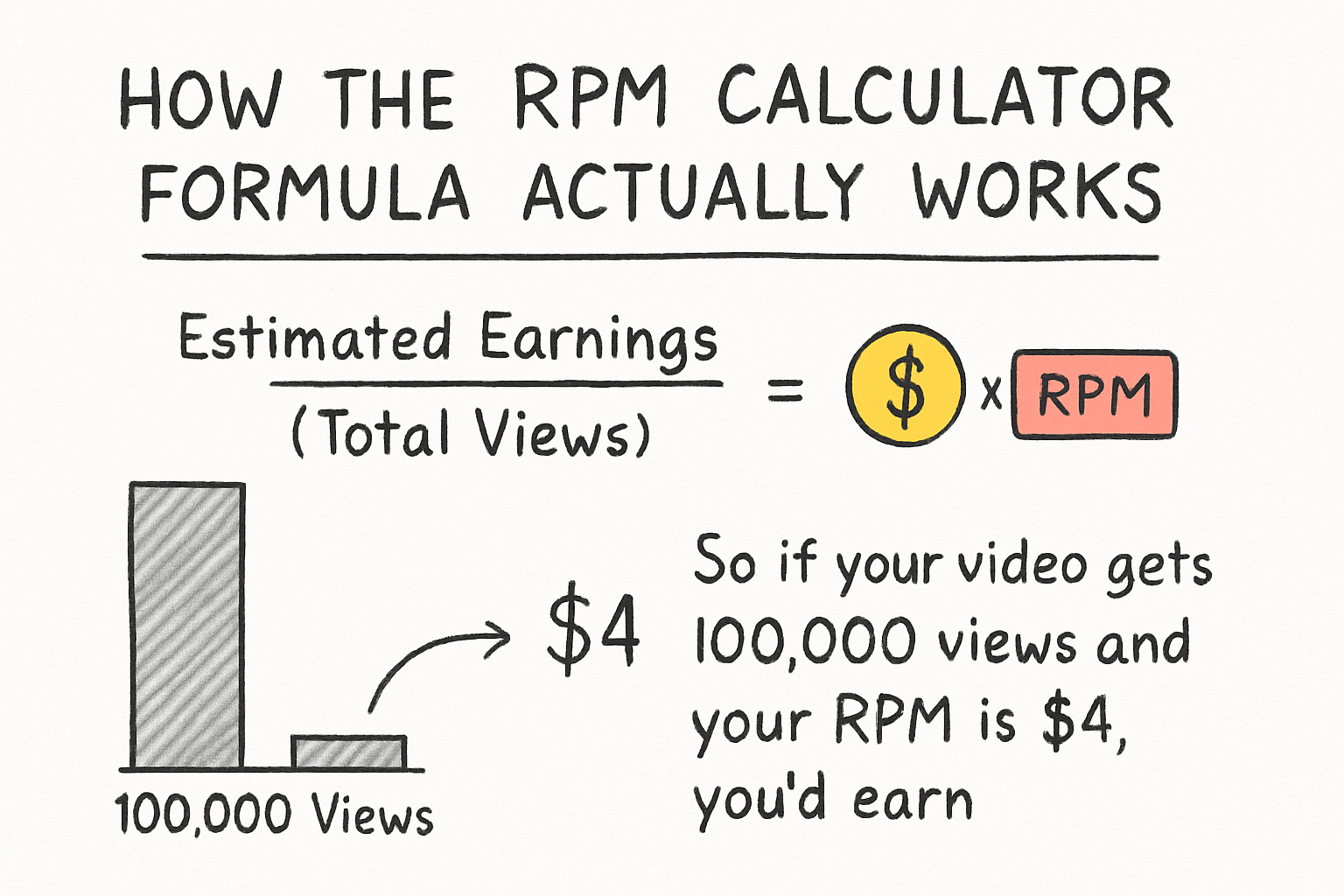
The basic formula looks like this: Estimated Earnings = (Total Views / 1,000) x RPM. So if your video gets 100,000 views and your RPM is $4, you'd earn around $400 from that video. Simple math, right? But the tricky part is knowing what RPM to plug in.
Your RPM isn't fixed. It changes based on your niche, your audience's location, the time of year, and how many of your viewers actually watch ads all the way through. A gaming channel might see an RPM between $2 and $5, while a personal finance channel could pull in $10 to $20 or even higher. The content type matters a lot because advertisers pay more to reach certain audiences.
I personally think a lot of creators underestimate how much their niche affects their earnings potential. Someone with 50,000 monthly views in a high-value niche can easily out-earn a creator with 200,000 views in a lower-RPM space. It's not just about the view count. It's about who's watching and what advertisers are willing to pay to reach them.
You also need to understand the difference between RPM and CPM, which is what advertisers actually pay. RPM is your take-home number after YouTube's 45% share comes out. If you want to dig deeper into how those two numbers relate, our post on CPM vs RPM explains it really clearly. Knowing both helps you understand the full picture of how ad revenue flows from advertiser to creator.
What affects your RPM and how to estimate it
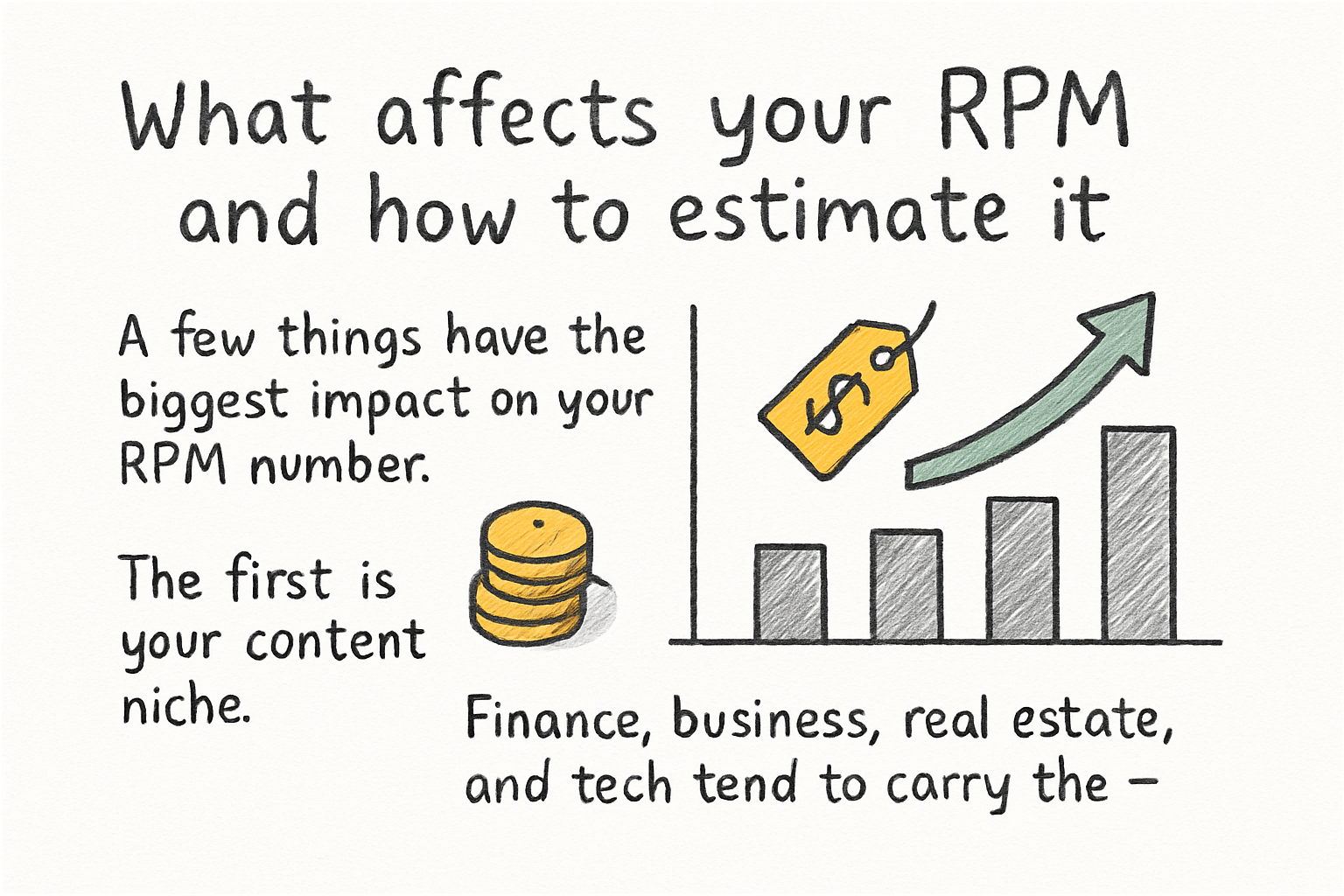
A few things have the biggest impact on your RPM number. The first is your content niche. Finance, business, real estate, and tech tend to carry the highest RPMs because companies in those industries pay top dollar for ad placements. Entertainment, vlogs, and gaming tend to sit lower. That's not a judgment call, it's just how advertiser demand works.
The second factor is where your audience lives. Views from the United States, Canada, Australia, and the United Kingdom almost always generate more revenue than views from other parts of the world. If most of your traffic comes from lower-income countries, your RPM will reflect that even if your total view count is huge. You can check your audience location right inside YouTube Studio under the Analytics tab.
Time of year also plays a big role. RPMs typically spike in Q4, meaning October through December, because advertisers spend more during the holiday season. Then they drop off sharply in January. I remember checking my own analytics one January and seeing my RPM fall by almost half compared to December. It caught me off guard the first time it happened, but now I plan for it.
To estimate your RPM before you have real data, look up average RPMs for your specific niche. There are plenty of creator communities on Reddit and YouTube itself where people share their real numbers. Start with a conservative estimate like $3 to $5 per 1,000 views if you're in a general niche, and adjust upward if you're in a more specialized, high-value space. Use that number in the formula until your YouTube Studio gives you actual data to work with.
Using your estimate to set real income goals
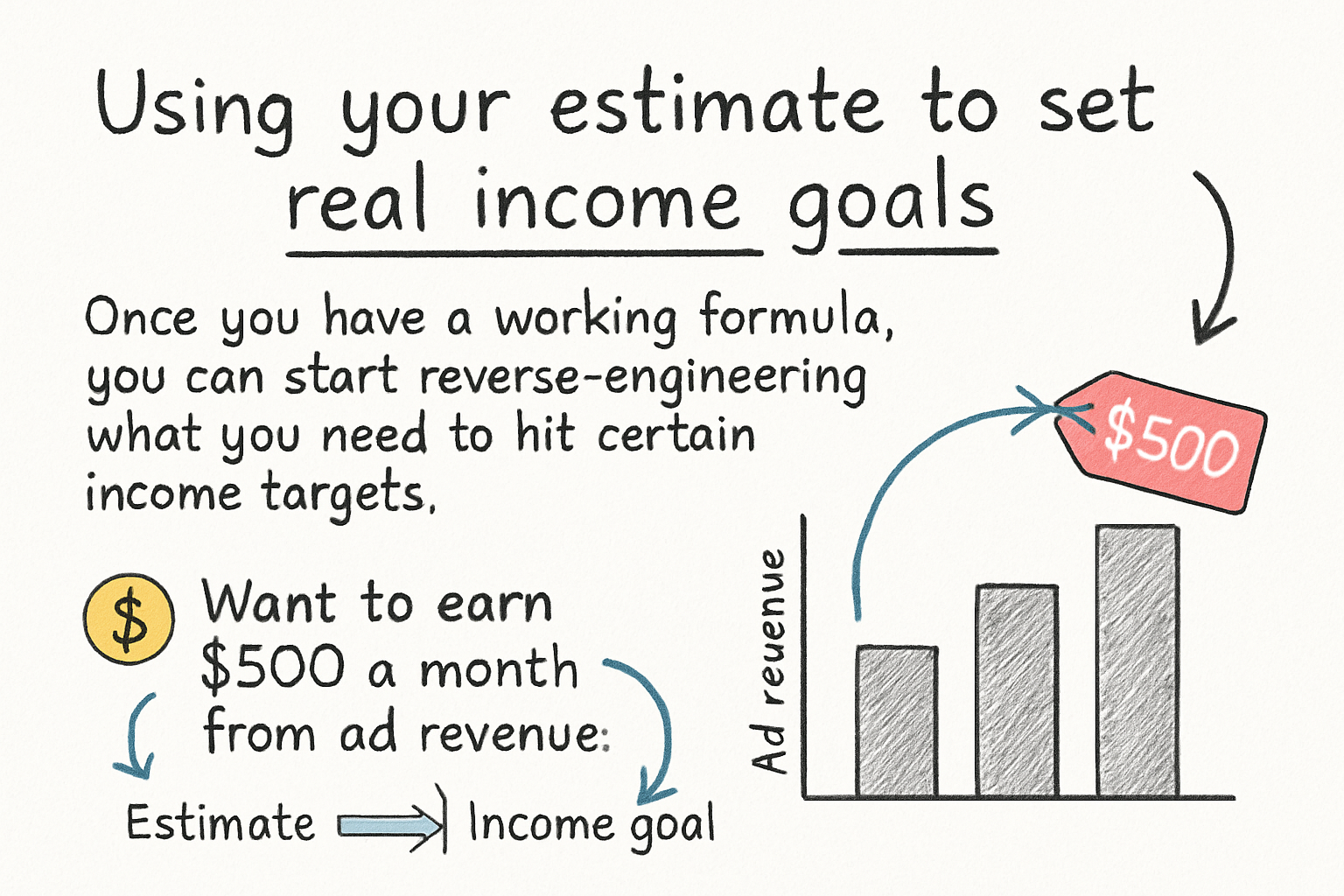
Once you have a working formula, you can start reverse-engineering what you need to hit certain income targets. Want to earn $500 a month from ad revenue? If your RPM is $4, you'd need about 125,000 monthly views to get there. That's a concrete goal you can build a strategy around instead of just hoping views roll in.
This is where your estimates get really useful. You can map out how many videos you need to publish, what kind of watch time you're targeting, and whether your current growth rate puts you on track. If you haven't thought through your overall growth plan yet, our post on YouTube channel growth strategy is a solid place to start building that roadmap.
Keep in mind that ad revenue is just one piece of what YouTube can pay you. RPM in YouTube Studio actually includes earnings from YouTube Premium viewers, not just standard ads. Premium members don't see ads, but YouTube still pays creators based on how much Premium watch time those viewers contribute. So your RPM already has that baked in when you look at it in Studio.
One thing creators often miss is that not all views count toward monetized playbacks. If a viewer uses an ad blocker, skips before the ad threshold, or watches a very short video without an ad placement, that view may earn nothing. This is why your actual earnings will sometimes feel lower than your formula suggests. A good habit is to multiply your estimate by 0.75 to 0.85 as a buffer, giving you a more realistic floor number rather than an optimistic ceiling. Setting conservative expectations now means fewer surprises later, and it keeps your planning honest.
Ready to take the next step?
Estimating your YouTube earnings doesn't have to be a guessing game. Once you know your RPM range, apply the formula, and account for the variables that shift your numbers up or down, you've got a real tool for setting income goals that actually mean something. If you want to keep building your channel the smart way, check out Kliptory for tools that help you grow faster and understand your channel's data better. Drop a comment below and let us know what niche you're in and what RPM you're seeing. It helps other creators in this community get a realistic sense of what's possible.